Disclosure: we make Eye Yoga. We name the cases where another app is stronger, and nobody paid for placement.
What this concern changes
Long periods at a computer can reduce blinking, and dry eye can have many causes beyond screen habits. A reminder can support a pause routine, but it cannot determine why your eyes feel dry or treat the underlying cause.
- Long periods of screen use can be associated with temporary blur, aching, discomfort, dryness, tearing, or stinging.
- People blink less while using computers, and regular blinking and occasional distance looking can support comfort.
- Dry eye can occur when people spend a long time looking at computers, tablets, or phones.
- Taking breaks from screens is one lifestyle step that may be discussed as part of dry eye care.
- Dry eye symptoms can include itching, soreness, grittiness, redness, blur, light sensitivity, or excess watering.
- Long computer sessions without breaks, contact lenses, and dry environments can contribute to symptoms.
The apps at a glance
No app here is a medical device. What differs is what happens during the pause, and whether you will keep using it.
| App | Best for | Price | Runs on | Guided eye exercises |
|---|---|---|---|---|
 Eye Yoga Eye Yoga | Guided eye exercises from the menu bar | Free | Mac | Yes, 10 movements |
 LookAway LookAway | Smart breaks that work around meetings | $19 one time | Mac, iPhone, iPad | No, blink and posture prompts |
 Time Out Time Out | Deep scheduling and custom break screens | Free, optional tips | Mac | No, custom break screens |
 Stretchly Stretchly | Free open source breaks on any desktop | Free | Mac, Windows, Linux | No, text break ideas |
 BreakTimer BreakTimer | Simple free reminders with working hours | Free | Mac, Windows, Linux | No, custom messages |
 DeskRest DeskRest | Break coaching with posture and streaks | From $24.99 lifetime | Mac | No, posture and eye prompts |
Prices checked October 15, 2026.
Our pick, and the rest
Our pick
Eye Yoga Exercises for Strain
Guided eye exercises from the menu bar
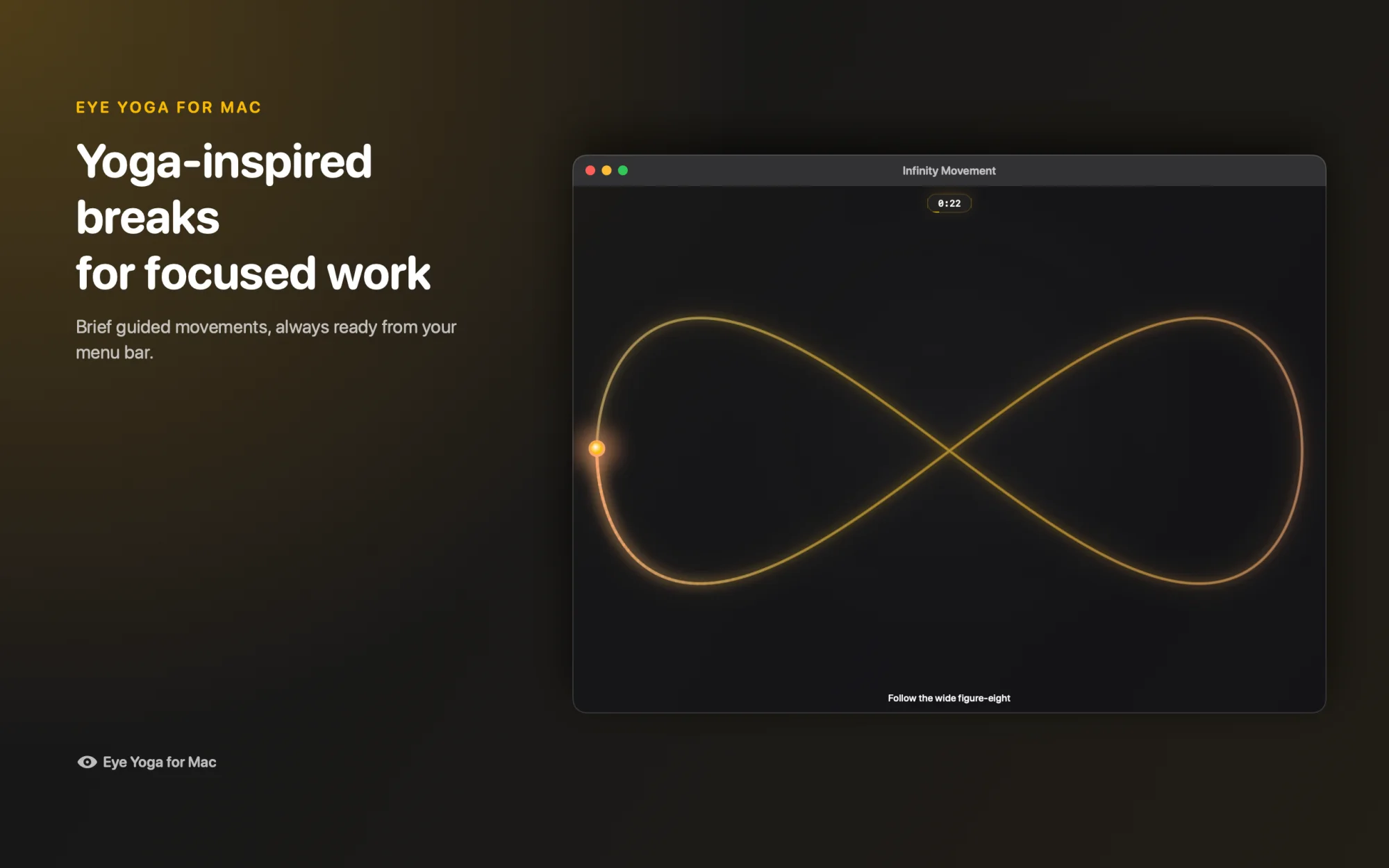
- Guided, not just a timer. Ten eye movements, 15 to 60 seconds each.
- Free. No subscription and no account.
- Private. No ads and no behavioral analytics.
- Native Mac. Menu bar, VoiceOver, Reduce Motion, macOS 12 or later.
Other options
LookAway
Smart breaks that work around meetings. $19 one time.
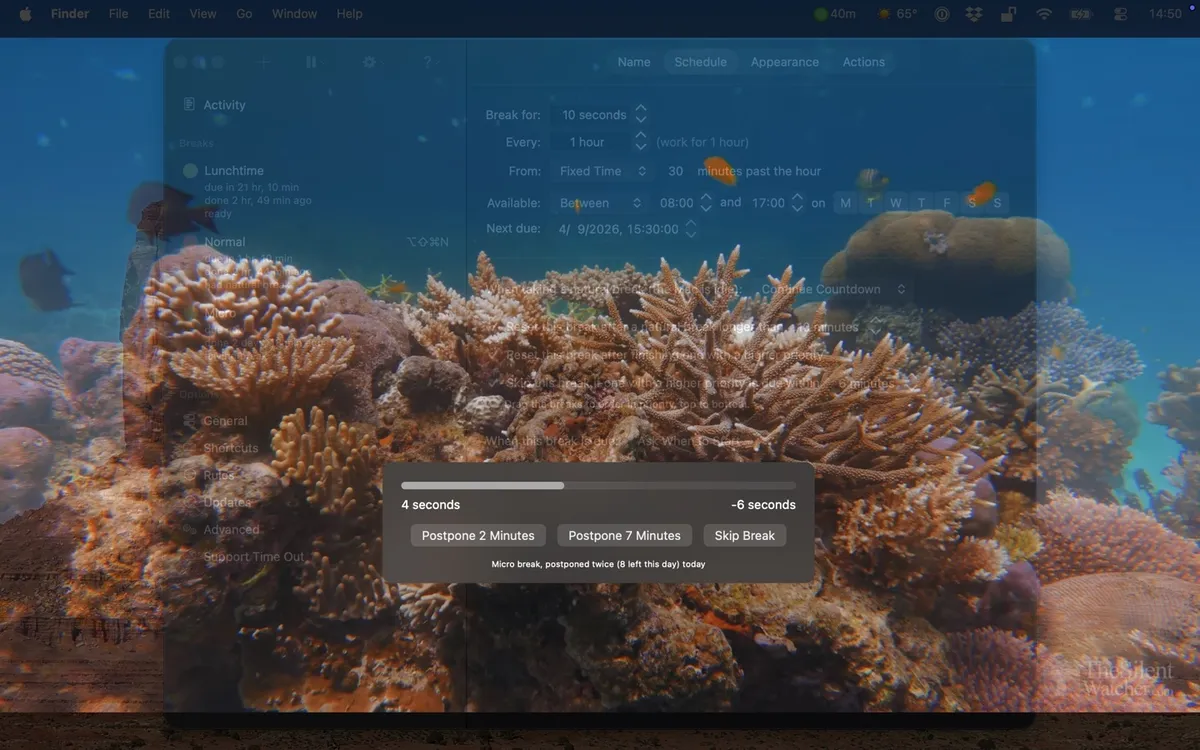
Time Out
Deep scheduling and custom break screens. Free, optional tips.
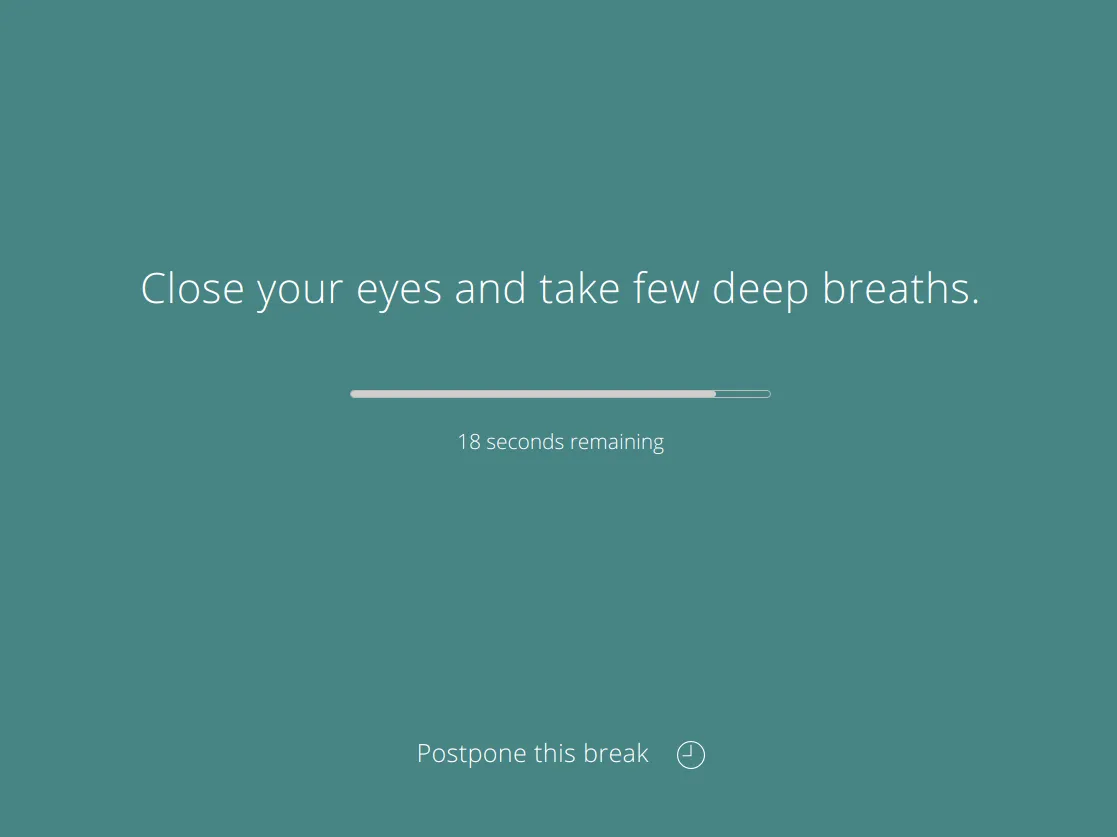
Stretchly
Free open source breaks on any desktop. Free.
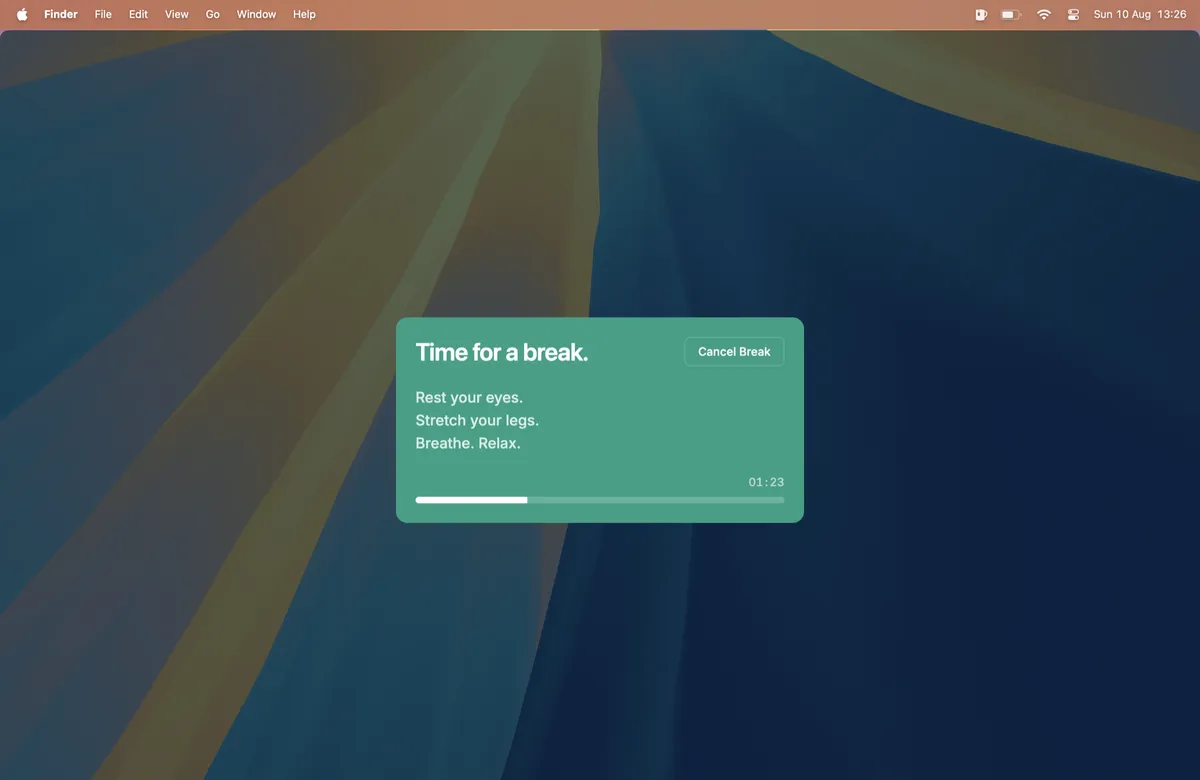
BreakTimer
Simple free reminders with working hours. Free.
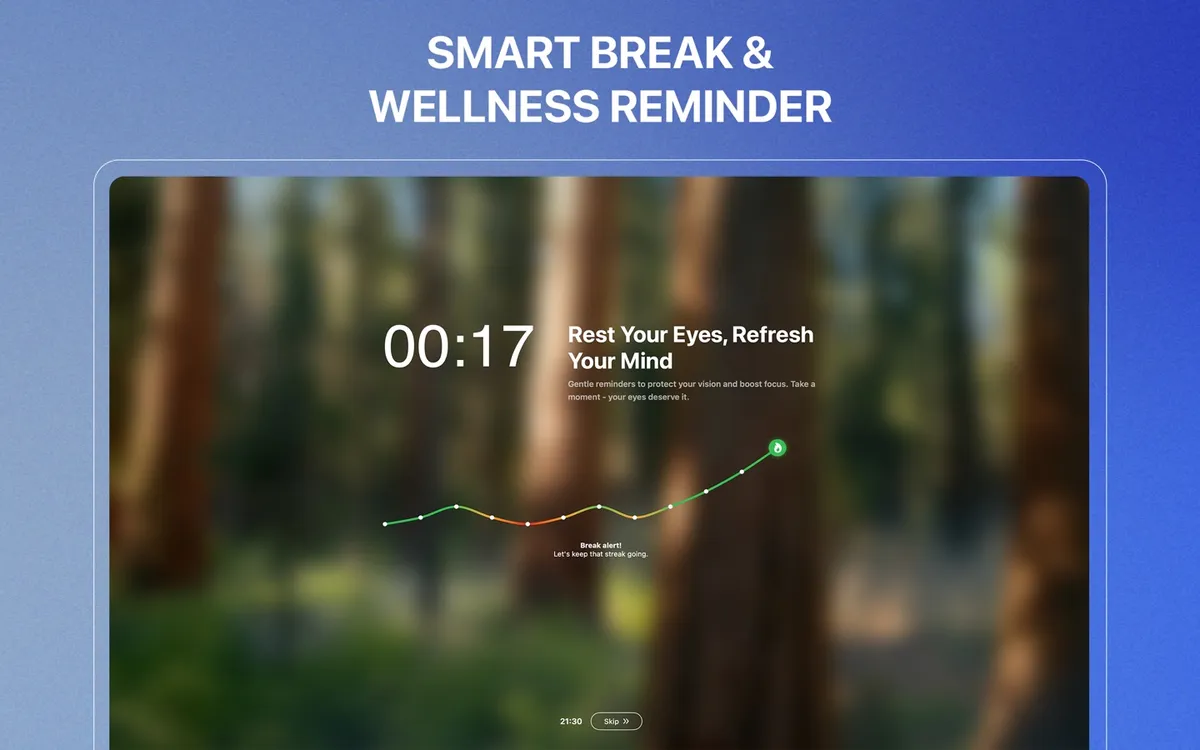
DeskRest
Break coaching with posture and streaks. From $24.99 lifetime.
How to use Eye Yoga for this
- Let the menu bar cue you. The eye in your menu bar changes color when a break is due. No pop up in the middle of a sentence.
- Start with Mindful Blinks. A paced blinking session turns the blinks you skip during focused work into something deliberate.
- Keep it short. Start with 30 seconds about once an hour. Short and regular beats long and rare.
What to look for in a break app
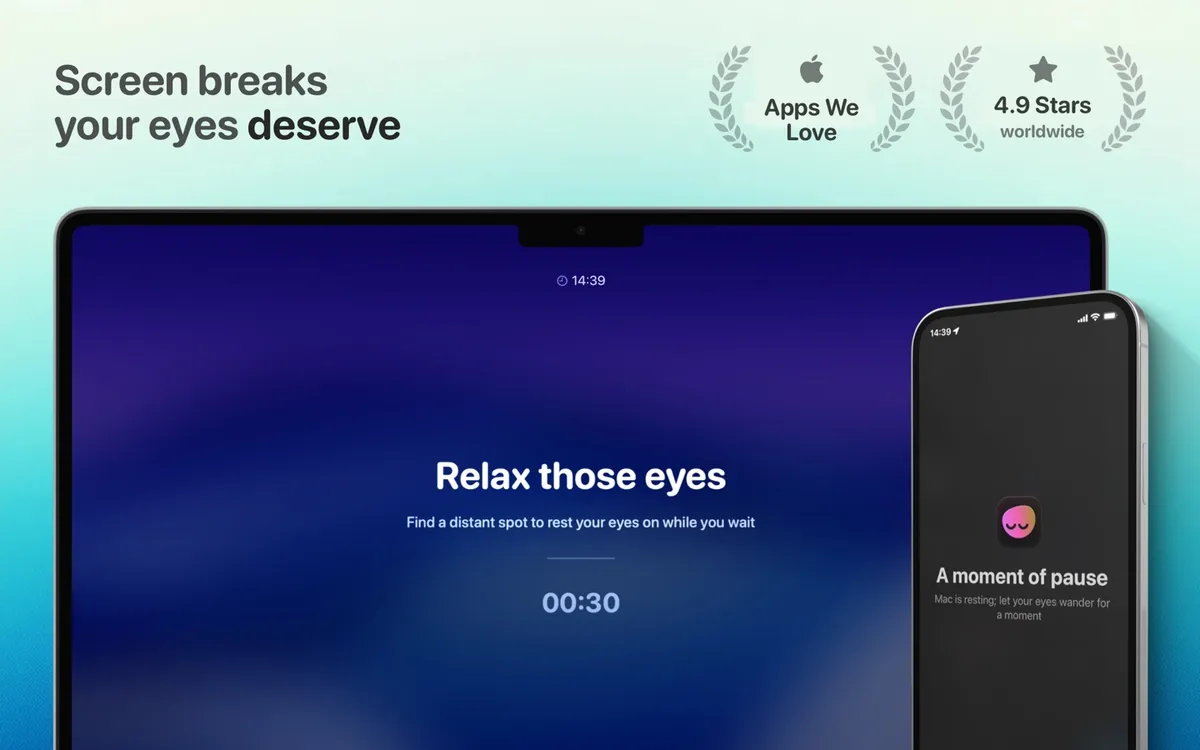
- A break that guides you. A countdown is easy to ignore. A movement to follow gives your eyes something to do.
- A gentle cue. Full screen takeovers get skipped. A quiet menu bar signal fits deep work.
- Comfort settings. Reduce Motion, Reduce Transparency, and light or dark appearance keep the pause easy on the eyes.
- Nothing to sign up for. No account, no subscription, no behavioral analytics.
Why Eye Yoga fits
Eye Yoga makes sense when you want a very short, visible pause with Mindful Blinks or another guided movement and you prefer a simple Mac menu bar tool.
Mac App StoreIf meeting aware timing matters more than the break itself, LookAway or DeskRest may suit you.
Practical things to review alongside an app
- Blink deliberately during sustained screen work
- Take regular pauses and look into the distance
- Position the screen slightly below eye level
- Consider whether dry air, heating, or air conditioning is adding to discomfort
These are general screen comfort considerations drawn from the sources below. They are not individual medical advice.
Questions
Can an eye break app treat dry eye?
No. It can remind you to pause or blink, but dry eye has multiple possible causes and may require professional assessment and treatment.
Is Mindful Blinks a medical exercise?
No. It is a short guided wellbeing pause, not a diagnosis or treatment.
What if blinking or following movement feels uncomfortable?
Stop the movement. Choose a simple distance break or seek appropriate care if symptoms persist.
Sources and checking date
Product features and prices come from each app's official website and store listing, checked on October 15, 2026. Prices, trials, and operating system requirements can change.
Eye Yoga Exercises for Strain
A guided visual pause, ready from your menu bar.
Ten guided movements, adjustable 15 to 60 second sessions, no account, and no subscription. Check the current Mac App Store price before downloading.
Mac App Store