Disclosure: we make Eye Yoga. We name the cases where another app is stronger, and nobody paid for placement.
What this concern changes
Screen discomfort is not one condition. Dryness, fatigue, blur, irritation, headache, glare, posture, and uncorrected vision can overlap. A guided activity may make a break engaging, but it should never be presented as treatment.
- Long periods of screen use can be associated with temporary blur, aching, discomfort, dryness, tearing, or stinging.
- People blink less while using computers, and regular blinking and occasional distance looking can support comfort.
- Digital eye strain describes a group of eye and vision related problems associated with prolonged digital device use.
- Common symptoms include eye strain, headaches, blurred vision, dry eyes, and neck or shoulder discomfort.
- Dry eye can occur when people spend a long time looking at computers, tablets, or phones.
- Taking breaks from screens is one lifestyle step that may be discussed as part of dry eye care.
The apps at a glance
No app here is a medical device. What differs is what happens during the pause, and whether you will keep using it.
| App | Best for | Price | Runs on | Guided eye exercises |
|---|---|---|---|---|
 Eye Yoga Eye Yoga | Guided eye exercises from the menu bar | Free | Mac | Yes, 10 movements |
 LookAway LookAway | Smart breaks that work around meetings | $19 one time | Mac, iPhone, iPad | No, blink and posture prompts |
 Time Out Time Out | Deep scheduling and custom break screens | Free, optional tips | Mac | No, custom break screens |
 Stretchly Stretchly | Free open source breaks on any desktop | Free | Mac, Windows, Linux | No, text break ideas |
 BreakTimer BreakTimer | Simple free reminders with working hours | Free | Mac, Windows, Linux | No, custom messages |
 DeskRest DeskRest | Break coaching with posture and streaks | From $24.99 lifetime | Mac | No, posture and eye prompts |
Prices checked October 15, 2026.
Our pick, and the rest
Our pick
Eye Yoga Exercises for Strain
Guided eye exercises from the menu bar
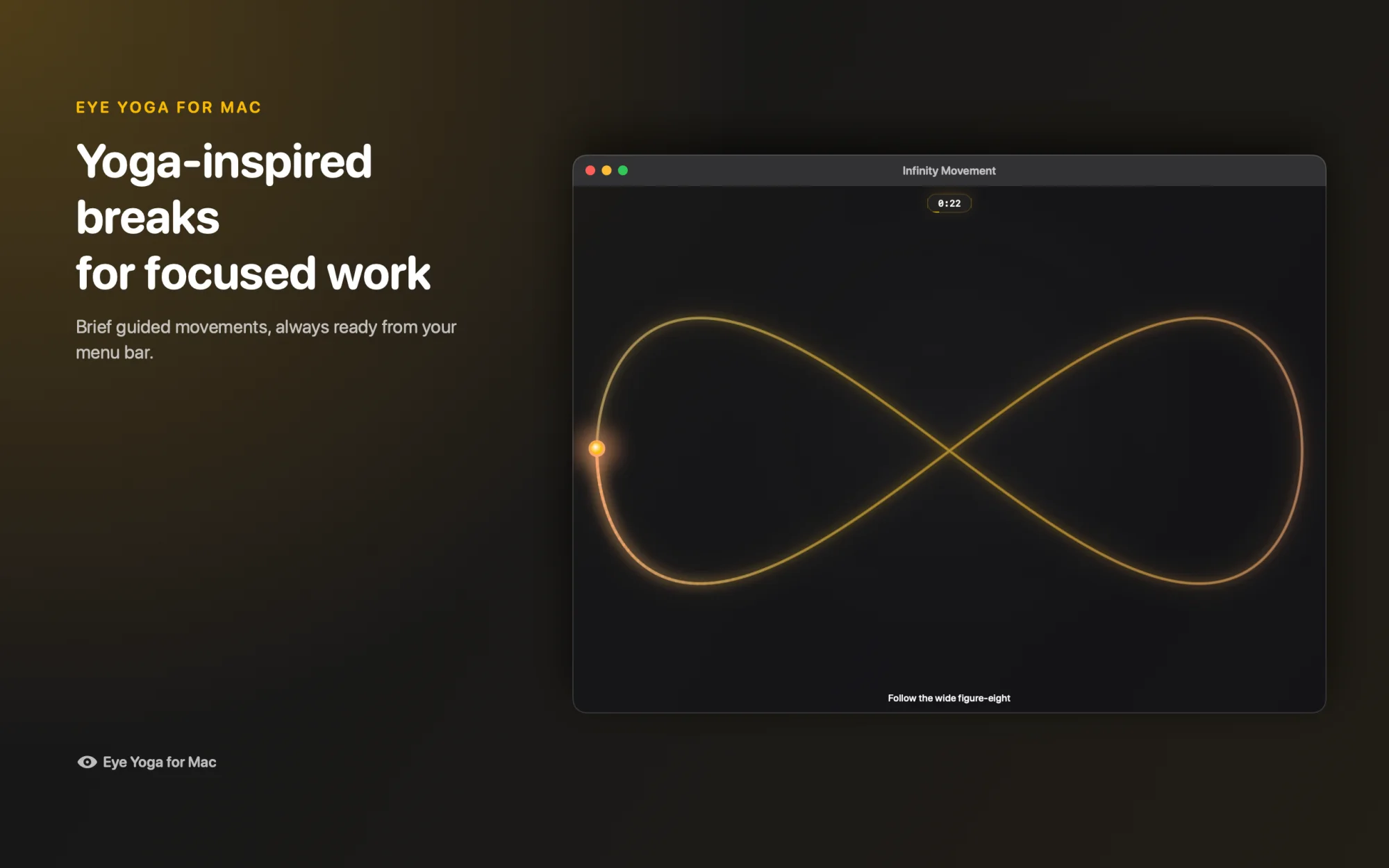
- Guided, not just a timer. Ten eye movements, 15 to 60 seconds each.
- Free. No subscription and no account.
- Private. No ads and no behavioral analytics.
- Native Mac. Menu bar, VoiceOver, Reduce Motion, macOS 12 or later.
Other options
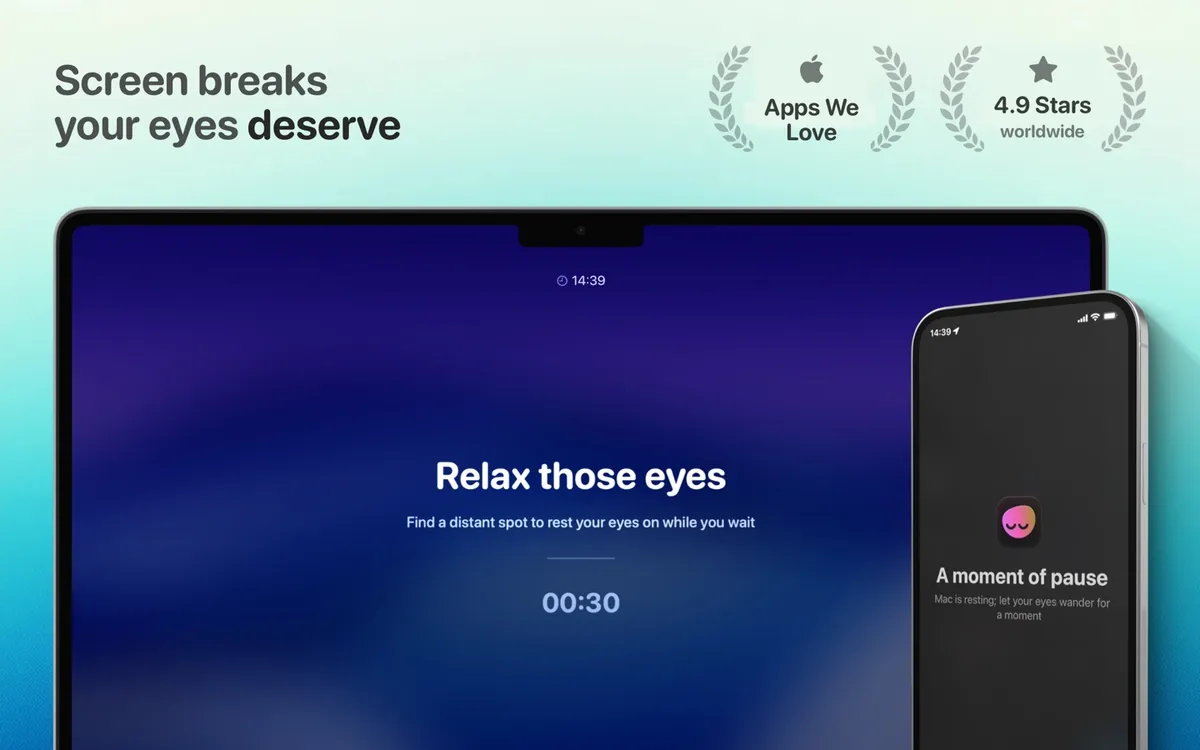
LookAway
Smart breaks that work around meetings. $19 one time.
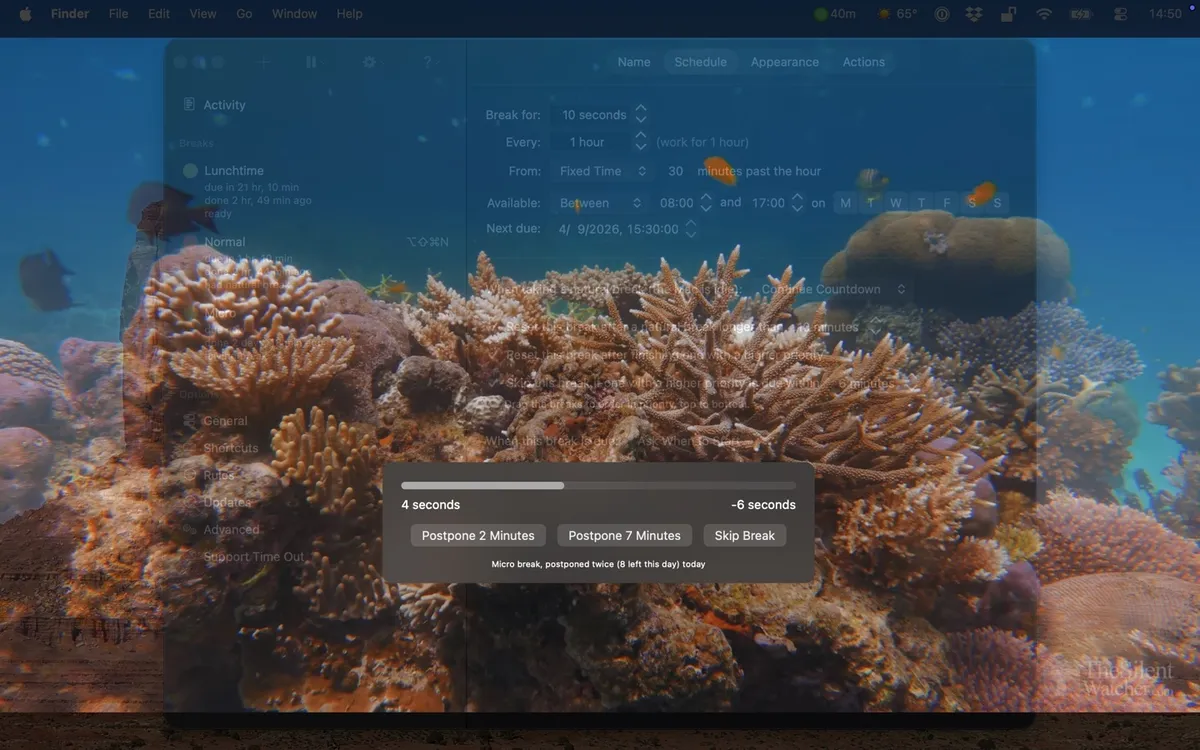
Time Out
Deep scheduling and custom break screens. Free, optional tips.
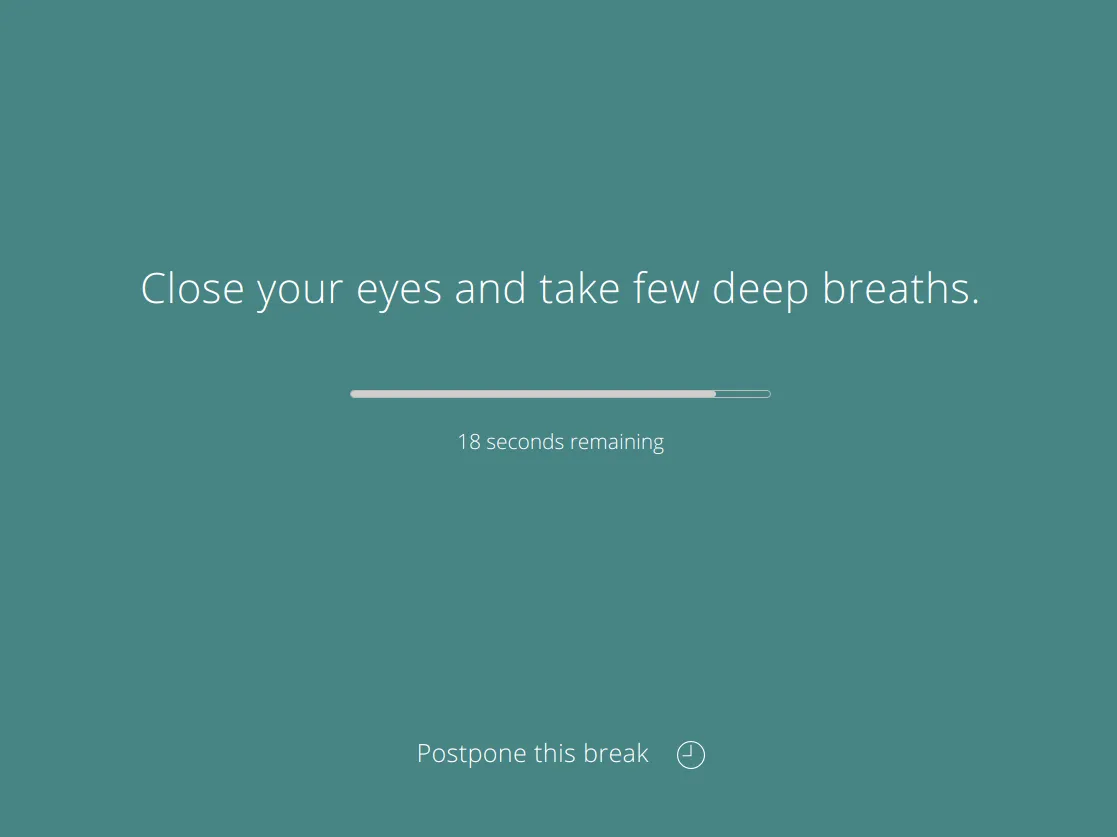
Stretchly
Free open source breaks on any desktop. Free.
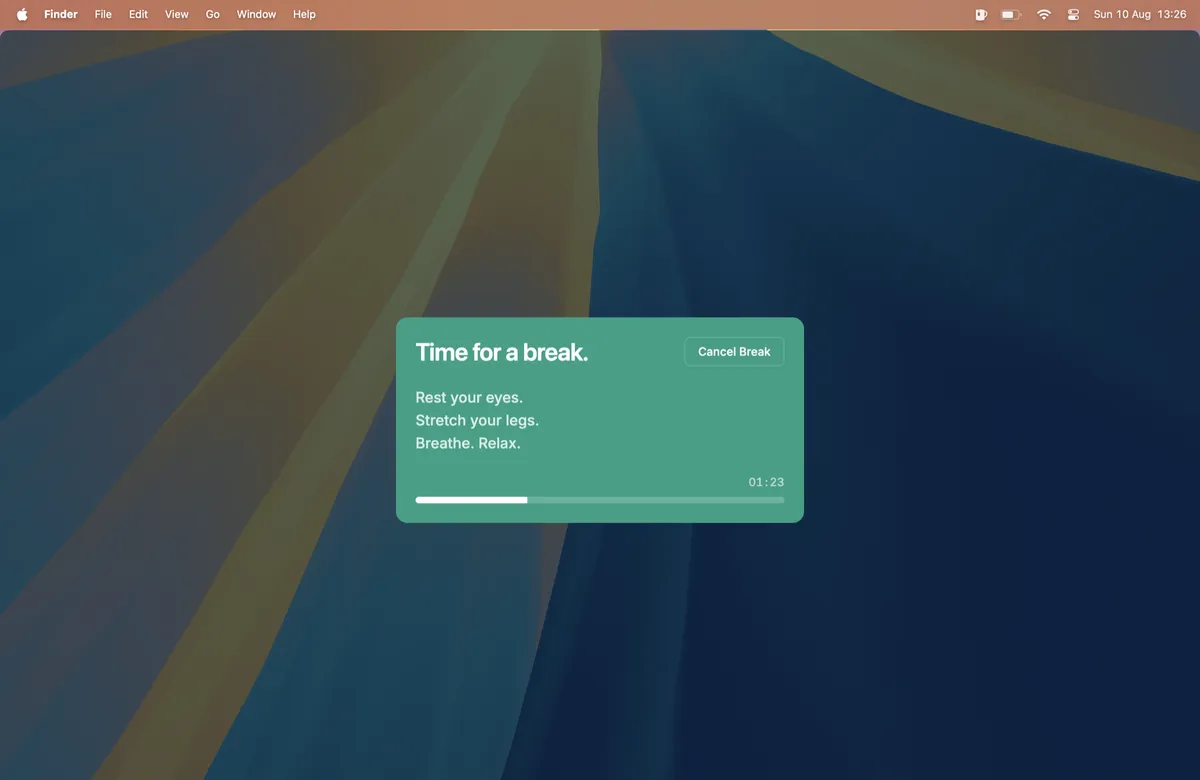
BreakTimer
Simple free reminders with working hours. Free.
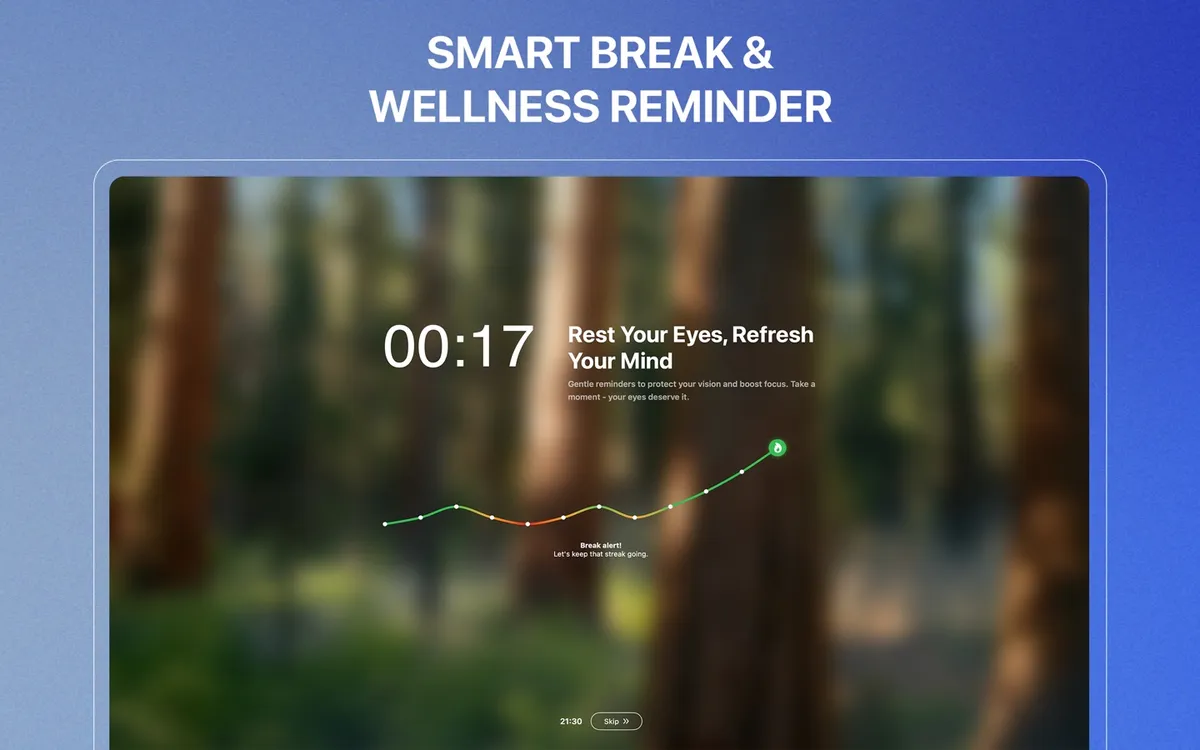
DeskRest
Break coaching with posture and streaks. From $24.99 lifetime.
How to use Eye Yoga for this
- Let the menu bar cue you. The eye in your menu bar changes color when a break is due. No pop up in the middle of a sentence.
- Start with Infinity Movement. Start with the signature path, then let Eye Yoga rotate through all ten, from Clockwise Circle to Color Focus.
- Keep it short. Try each length once, 15 to 60 seconds, and keep the one you will actually repeat.
What to look for in a break app
- A break that guides you. A countdown is easy to ignore. A movement to follow gives your eyes something to do.
- A gentle cue. Full screen takeovers get skipped. A quiet menu bar signal fits deep work.
- Comfort settings. Reduce Motion, Reduce Transparency, and light or dark appearance keep the pause easy on the eyes.
- Nothing to sign up for. No account, no subscription, no behavioral analytics.
Why Eye Yoga fits
Choose Eye Yoga for ten designed movements, a short adjustable session, a native Mac menu bar cue, and strong built in accessibility options.
Mac App StoreIf you only want a timer and no exercises, any of the other apps will do.
Practical things to review alongside an app
- Decide whether you want guidance during the break or only a reminder
- Prefer comfort over completing an animation
- Use a duration that does not encourage straining
- Combine break software with a comfortable workstation and appropriate care
These are general screen comfort considerations drawn from the sources below. They are not individual medical advice.
Questions
Are eye exercises proven to improve eyesight?
This site does not make that claim. Eye Yoga is a wellbeing companion for brief visual pauses.
How many movements does Eye Yoga include?
Ten guided movements, with sessions of 15, 30, 45, or 60 seconds.
What if I only want a timer?
BreakTimer, Stretchly, Time Out, or LookAway may be a better fit than a guided movement app.
Sources and checking date
Product features and prices come from each app's official website and store listing, checked on October 15, 2026. Prices, trials, and operating system requirements can change.
Eye Yoga Exercises for Strain
A guided visual pause, ready from your menu bar.
Ten guided movements, adjustable 15 to 60 second sessions, no account, and no subscription. Check the current Mac App Store price before downloading.
Mac App Store