Disclosure: we make Eye Yoga. We name the cases where another app is stronger, and nobody paid for placement.
What I wrote in 2024
The original three were EyeExerciseApp, Awareness, and Time Out. Awareness was the minimal bell: low setup, little customization, and easy to stop noticing. Time Out was the powerful option that could take over the screen and let you configure almost everything. EyeExerciseApp was the small private menu bar utility I was building around short guided pauses.
The original article used stronger language about protecting eyes and training eye muscles. I would not use that wording now. A reminder can help create regular pauses, but it is not medical care and it should not promise to improve eyesight.
The current field at a glance
| App | Best for | Price | Runs on | Guided eye exercises |
|---|---|---|---|---|
 Eye Yoga Eye Yoga | Guided eye exercises from the menu bar | Free | Mac | Yes, 10 movements |
 LookAway LookAway | Smart breaks that work around meetings | $19 one time | Mac, iPhone, iPad | No, blink and posture prompts |
 Time Out Time Out | Deep scheduling and custom break screens | Free, optional tips | Mac | No, custom break screens |
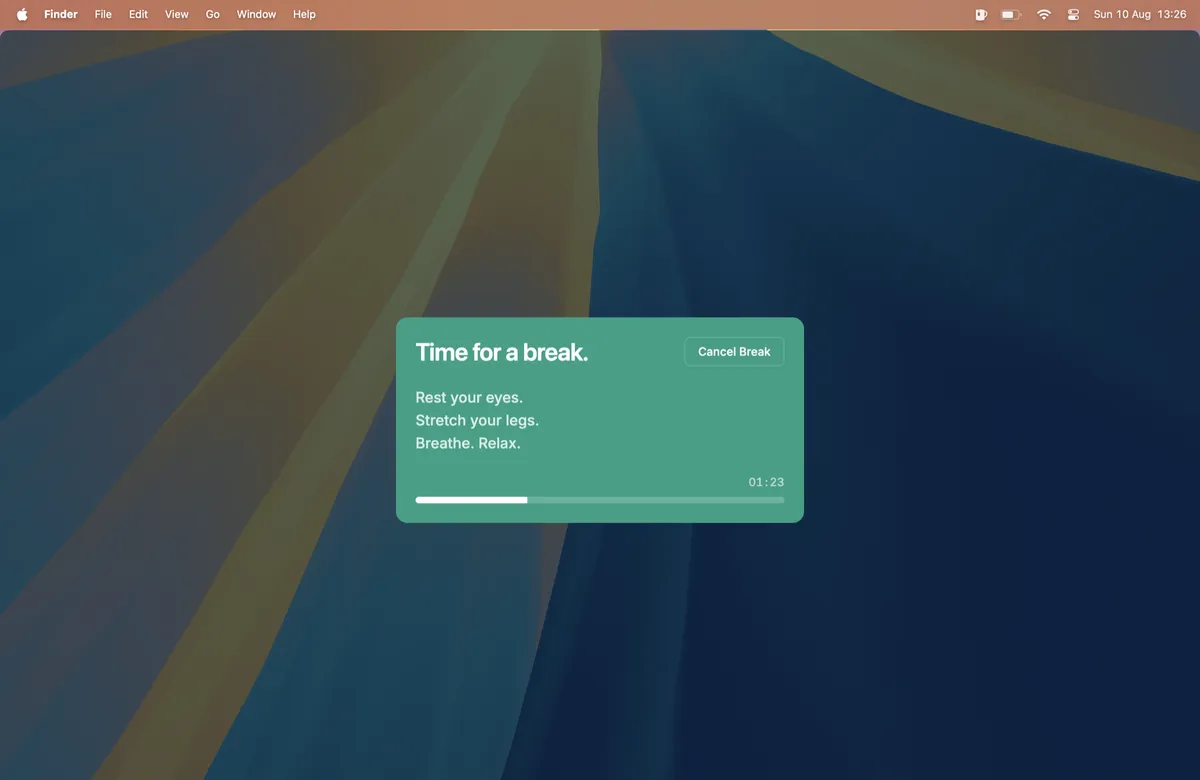
 Stretchly Stretchly | Free open source breaks on any desktop | Free | Mac, Windows, Linux | No, text break ideas |
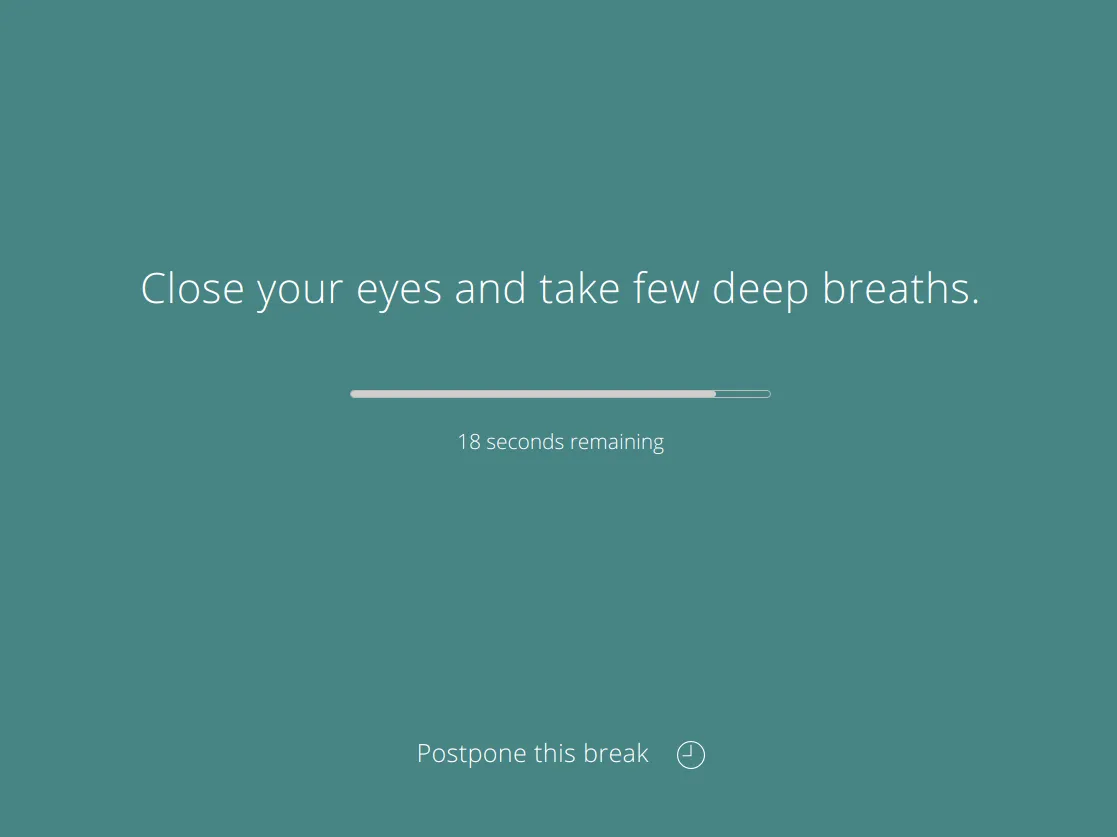
 BreakTimer BreakTimer | Simple free reminders with working hours | Free | Mac, Windows, Linux | No, custom messages |
 DeskRest DeskRest | Break coaching with posture and streaks | From $24.99 lifetime | Mac | No, posture and eye prompts |
Prices checked October 15, 2026.
What I would choose now
Our pick
Eye Yoga Exercises for Strain
Guided eye exercises from the menu bar
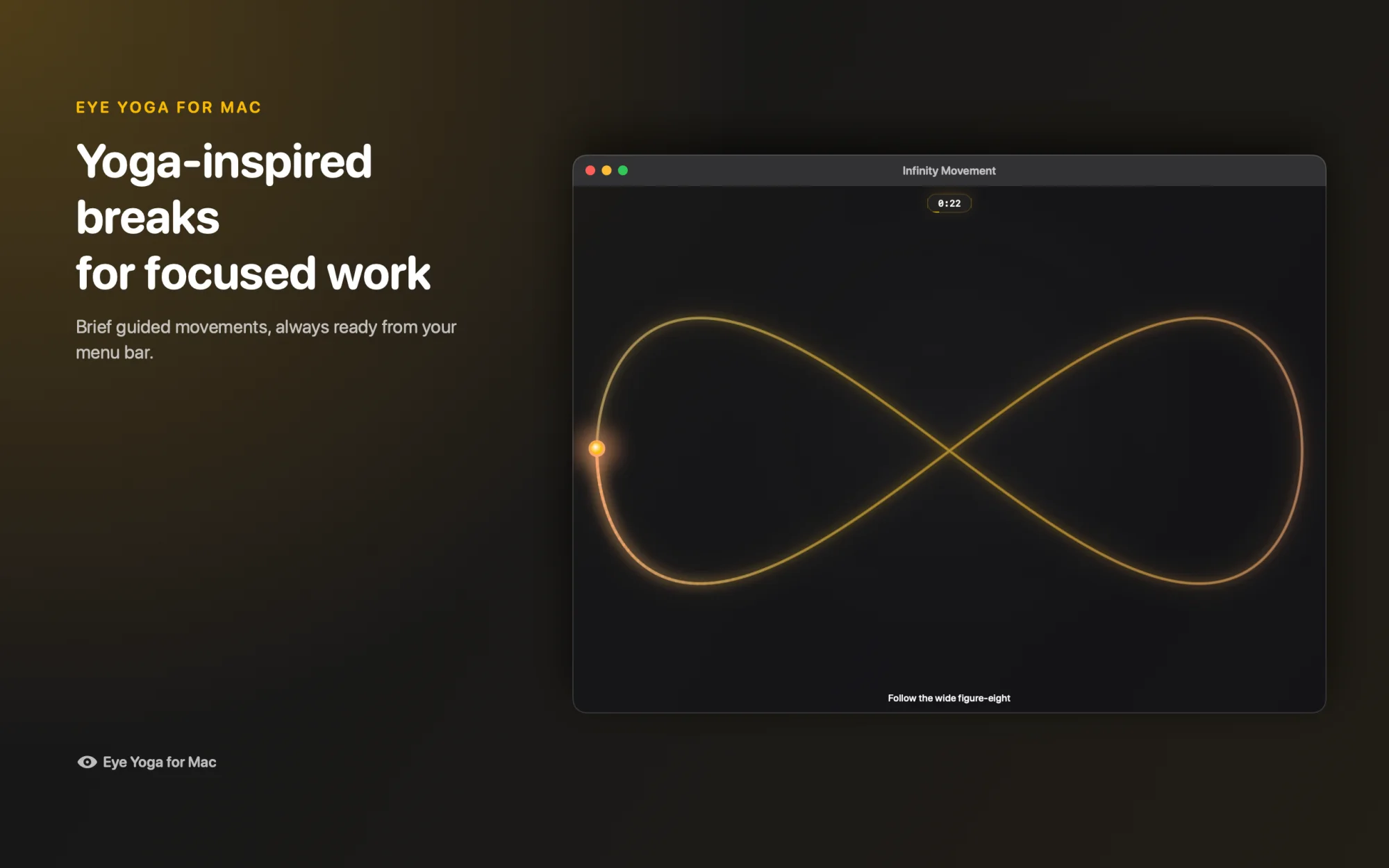
- Guided, not just a timer. Ten eye movements, 15 to 60 seconds each.
- Free. No subscription and no account.
- Private. No ads and no behavioral analytics.
- Native Mac. Menu bar, VoiceOver, Reduce Motion, macOS 12 or later.
Other options
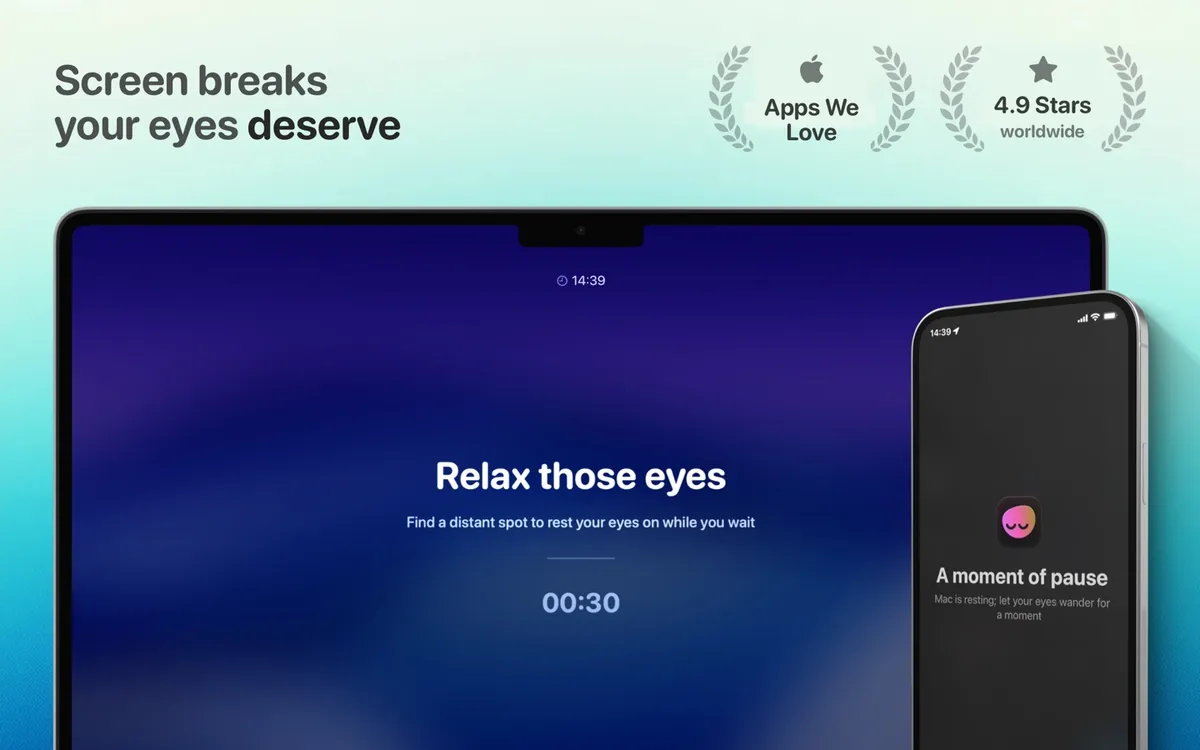
LookAway
Smart breaks that work around meetings. $19 one time.
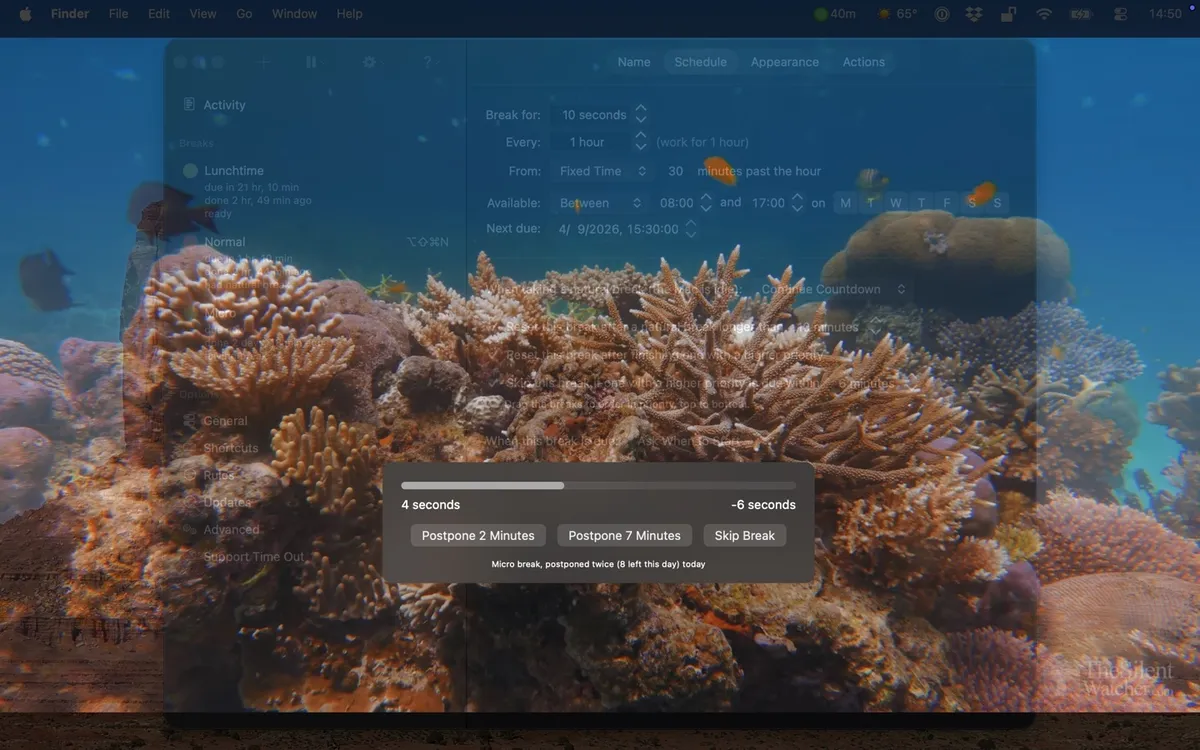
Time Out
Deep scheduling and custom break screens. Free, optional tips.
Stretchly
Free open source breaks on any desktop. Free.
BreakTimer
Simple free reminders with working hours. Free.
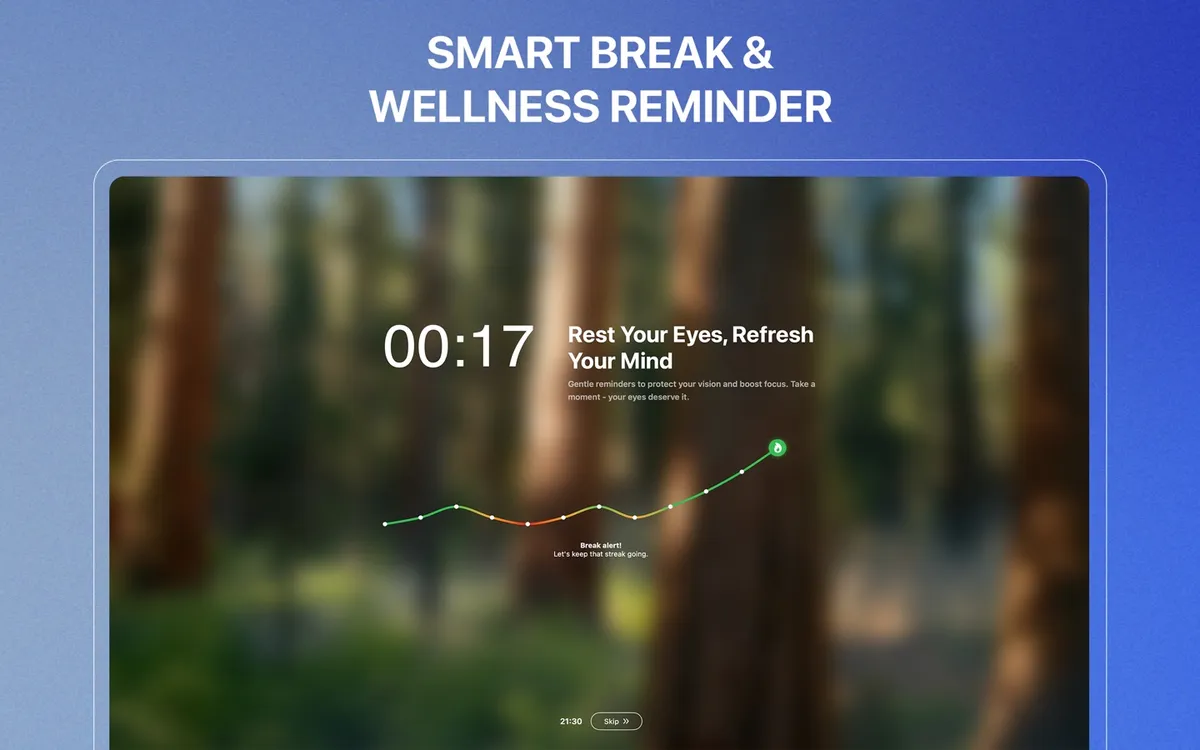
DeskRest
Break coaching with posture and streaks. From $24.99 lifetime.
The decision is really about friction
If notifications arrive during calls, use LookAway or DeskRest. If you want to control every detail, use Time Out. If cost and source transparency matter most, use Stretchly or BreakTimer. If the break itself needs to be a short guided visual experience, that is the reason Eye Yoga exists.
The honest downside of Eye Yoga is that it does not know you are in a meeting, track a streak, synchronize to a phone, or enforce a long walk. Those are real advantages in competing products. The honest advantage is focus: ten guided movements in a native Mac app that stays out of the way between breaks.
Questions
What changed since the original 2024 article?
The category now includes more polished smart reminders, stronger open source options, and a redesigned Eye Yoga app with ten guided movements.
Why is Awareness not in the current five?
Awareness remains part of the original article's history, but the current list prioritizes actively documented products that repeatedly appear in current Mac break app research.
Which app would I choose now?
Eye Yoga for guided visual pauses, LookAway for smart timing, Time Out for control, Stretchly or BreakTimer for free cross platform use, and DeskRest for broader posture and habit coaching.
Sources and checking date
Product features and prices come from each app's official website and store listing, checked on October 15, 2026. Prices, trials, and operating system requirements can change.
Eye Yoga Exercises for Strain
A guided visual pause, ready from your menu bar.
Ten guided movements, adjustable 15 to 60 second sessions, no account, and no subscription. Check the current Mac App Store price before downloading.
Mac App Store